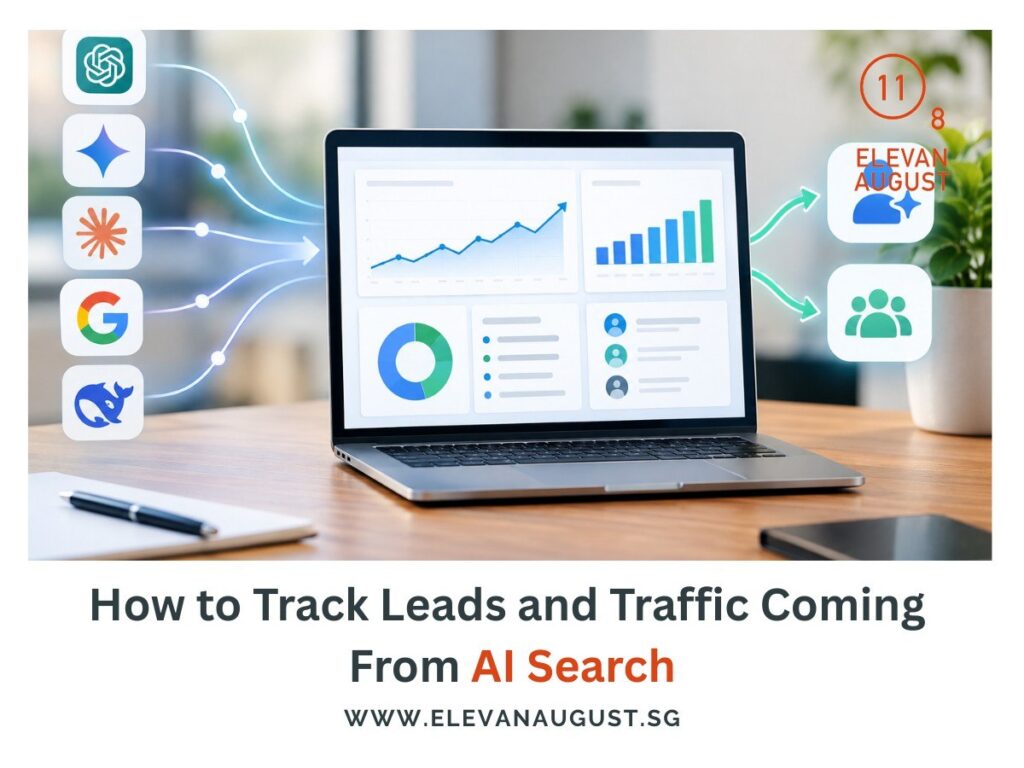
AI search can now send measurable visits and leads, but the data still sits across several tools. ChatGPT, Gemini, Copilot, Google AI Overviews, and AI Mode all expose different parts of the journey.
Google Analytics can show visits from recognised AI assistants, while Search Console handles Google’s own generative search visibility. Bing Webmaster Tools adds citation data, and your CRM or lead tracking tells you whether any of those visits turned into business.
The useful approach is to separate visibility, traffic, and leads first, then connect them.
Know what each tool is actually showing you
AI search analytics gets confusing when impressions, citations, visits, and leads are treated as the same thing. They describe different stages of the journey.
Google Analytics added a dedicated AI Assistant channel in May 2026. It groups recognised referral traffic from assistants such as ChatGPT, Gemini, and Claude under the ai-assistant medium and (ai-assistant) campaign.
Search Console covers visibility inside Google’s generative search features, while Bing Webmaster Tools reports where your pages appear as sources in Microsoft AI experiences.
Your CRM or conversion tracking then handles the commercial end of the story.
Keeping those layers separate makes the reporting much easier to read.
Find AI Assistant traffic inside GA4
GA4 gives you the clearest starting point for AI search traffic that reaches your website from recognised assistants.
Open Reports → Acquisition → Traffic acquisition, then use the Session default channel group to find AI Assistant. From there, you can break the traffic down by session source, landing page, engagement, and key events.
ChatGPT referrals are especially easy to recognise because OpenAI automatically adds utm_source=chatgpt.com to referral links from ChatGPT Search.
The landing-page view is usually more useful than the total session count. If 80 ChatGPT visits arrive and 60 land on the same comparison page, you’ve learned which piece of content is doing most of the work.
You can then compare how those visitors behave after they arrive.
Treat Google AI traffic as a separate measurement problem
Google AI Overviews and AI Mode need their own view because their clicks are grouped under Organic Search in GA4, rather than the AI Assistant channel. Google’s default channel rules make that distinction clear.
Search Console now fills part of that gap. Its Generative AI performance report, rolled out globally on 31 August 2026, shows impressions from Google’s generative search features and lets you break them down by page, country, device, and date.
The report focuses on visibility, so it still gives you an incomplete attribution path.
You can see which pages appear in AI Overviews or AI Mode, then use normal Search Console and GA4 data to study what happens around those pages. A clean “AI Overview lead” report still remains out of reach.
4. Use Bing Webmaster Tools to track citations
Bing Webmaster Tools gives you a different type of AI search data: how often Microsoft’s AI experiences use your pages as sources.
Its AI Performance report shows total citations, cited URLs, grounding queries, and changes in citation activity over time across Microsoft Copilot, AI-generated Bing summaries, and selected partner experiences.
This is useful when a page is gaining visibility inside AI answers without sending much referral traffic.
For example, a service guide may be cited repeatedly in Copilot while generating only a handful of site visits. That still tells you the page is being used as a source, which is a different signal from traffic.
Keep citation data beside traffic data rather than merging the two.
5. Connect AI traffic to actual leads
Traffic becomes more useful once you can see what happens after the visit.
For a lead-generation site, that may mean tracking form submissions, demo requests, bookings, calls, or other key events in GA4. Google also recommends separate lead events for generate_lead, qualify_lead, working_lead, and close_convert_lead, which helps you follow the journey beyond the first enquiry.
This distinction can change how you judge AI traffic.
Ahrefs found that AI search accounted for only 0.5% of its visitors but 12.1% of sign-ups, with a conversion rate 23 times higher than traditional organic search in its own data. That result is specific to Ahrefs, but it shows why lead quality deserves more attention than traffic volume alone.
6. Build one monthly view for AI search performance
A useful monthly report should keep visibility and business outcomes side by side.
You may want to track AI Assistant sessions from GA4, the pages receiving those visits, leads or qualified leads from AI referral traffic, Google generative AI impressions, and Bing or Copilot citations.
The value comes from reading those numbers together without forcing them into one score.
Suppose Google AI impressions rise 35%, ChatGPT traffic stays flat, and qualified leads from AI referrals increase from two to five. The story is more useful than saying your “AI visibility” improved by an arbitrary percentage.
Over time, this view can show which platforms send traffic, which pages attract it, and whether those visits contribute to the pipeline.
Final Thoughts
Tracking AI search traffic gives you a clearer picture of where your brand appears, which pages bring people in, and whether those visits turn into leads. The data may come from different tools, but together it can show which parts of your AI search presence are actually working.
For the SEO work we handle at Elevan August, we look at both sides: helping brands improve their visibility in AI search and tracking what happens once that visibility starts bringing people to the website. As one of the lead generation companies in Singapore, we focus on connecting search visibility with meaningful business enquiries and measurable results.
If you want more people to find your brand through AI search, get in touch with us today.